
Control. Simplify. Scale.
CRM Admin Dashboard Development for Better Customer Management
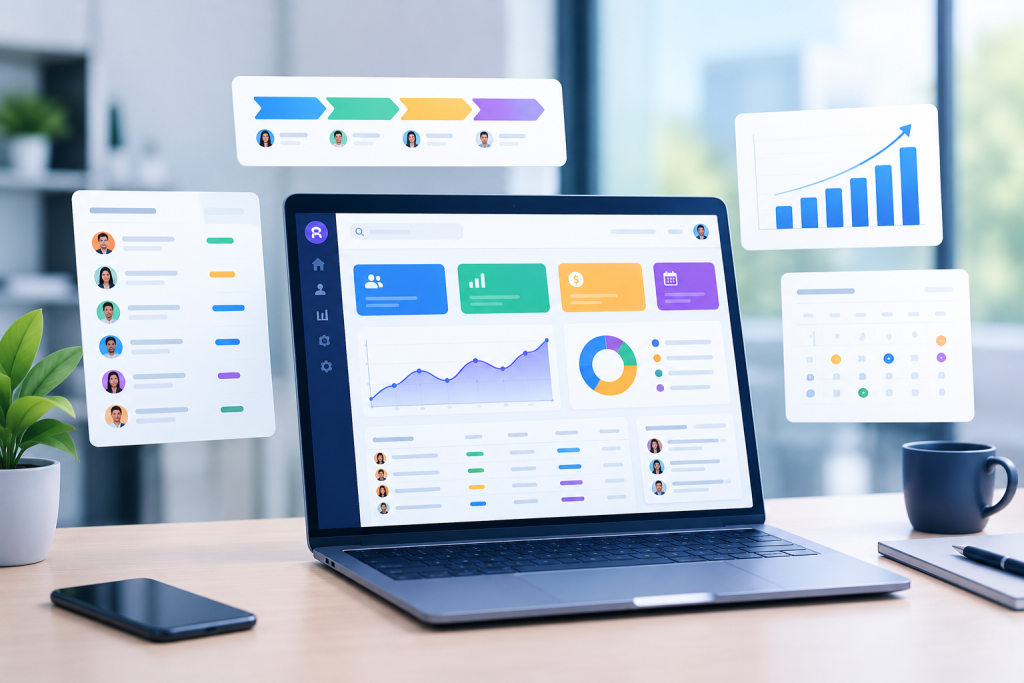
CRM Admin Dashboard Development helps businesses organize customer relationships, sales activities, lead information, team performance, and business reporting through a centralized management interface.
Customer information becomes difficult to manage when leads are stored in spreadsheets, sales updates happen through messages, follow-ups depend on individual reminders, and reports are prepared manually. These disconnected processes can make it harder to understand customer needs, monitor opportunities, and coordinate work across departments. CRM Admin Dashboard Development brings these activities into a structured digital workspace where authorized users can access customer records, review sales progress, manage tasks, and monitor important business information.
At Amunis Technologies, we develop customized CRM administration dashboards based on your business model, team structure, and operational requirements. Our solutions can include lead management, customer profiles, sales pipeline tracking, task allocation, activity histories, reporting, and integration with existing business tools. We focus on making the interface practical for everyday use rather than filling it with unnecessary charts and complicated controls.
CRM Admin Dashboard Development That Brings Your Business Data Together
Capture leads from supported sources, organize prospect information, assign ownership, and track progress through defined stages. Configurable assignment rules help teams distribute enquiries and identify leads requiring timely follow-up.
Lead Management and Smart Assignment
Maintain organized customer records containing relevant contact information, previous interactions, notes, opportunities, and activity timelines. A consolidated view helps authorized employees understand customer context before making calls, sending updates, or resolving enquiries.
Customer Profiles and Interaction History
Create sales stages that reflect your actual sales process, from initial enquiry to negotiation and closure. Monitor deal values, expected closing dates, pipeline movement, and stalled opportunities to support more informed sales planning.
Sales Pipeline and Opportunity Tracking
Create tasks, schedule reminders, assign responsibilities, and track completion across customer-facing teams. Structured follow-up workflows help reduce missed commitments and make it easier for managers to identify overdue activities.
Task Scheduling and Follow-Up Management
Review selected business indicators such as lead conversion, opportunity value, sales activity, and team performance. Relevant filters and date comparisons help managers investigate trends instead of relying exclusively on manually prepared spreadsheets.
Custom Reports and Performance Analytics
Configure access for administrators, sales representatives, managers, and support teams according to their responsibilities. Server-side permission checks and appropriate activity logs help protect customer information and maintain accountability throughout the system.
User Roles and Administrative Permissions
Six Essential Capabilities of a High-Performance CRM Admin Dashboard
Custom CRM Admin Dashboard Development Designed Around Real Workflows
Every business manages customer relationships differently. A real estate business may need enquiry allocation, property preferences, appointment scheduling, and booking-stage tracking. A service company may prioritize enquiry qualification, quotations, project handovers, and support requests. A B2B sales team may require account hierarchies, opportunity forecasting, approval workflows, and customer-specific communication histories. An effective CRM dashboard should accommodate these differences rather than forcing every team into the same predefined process.
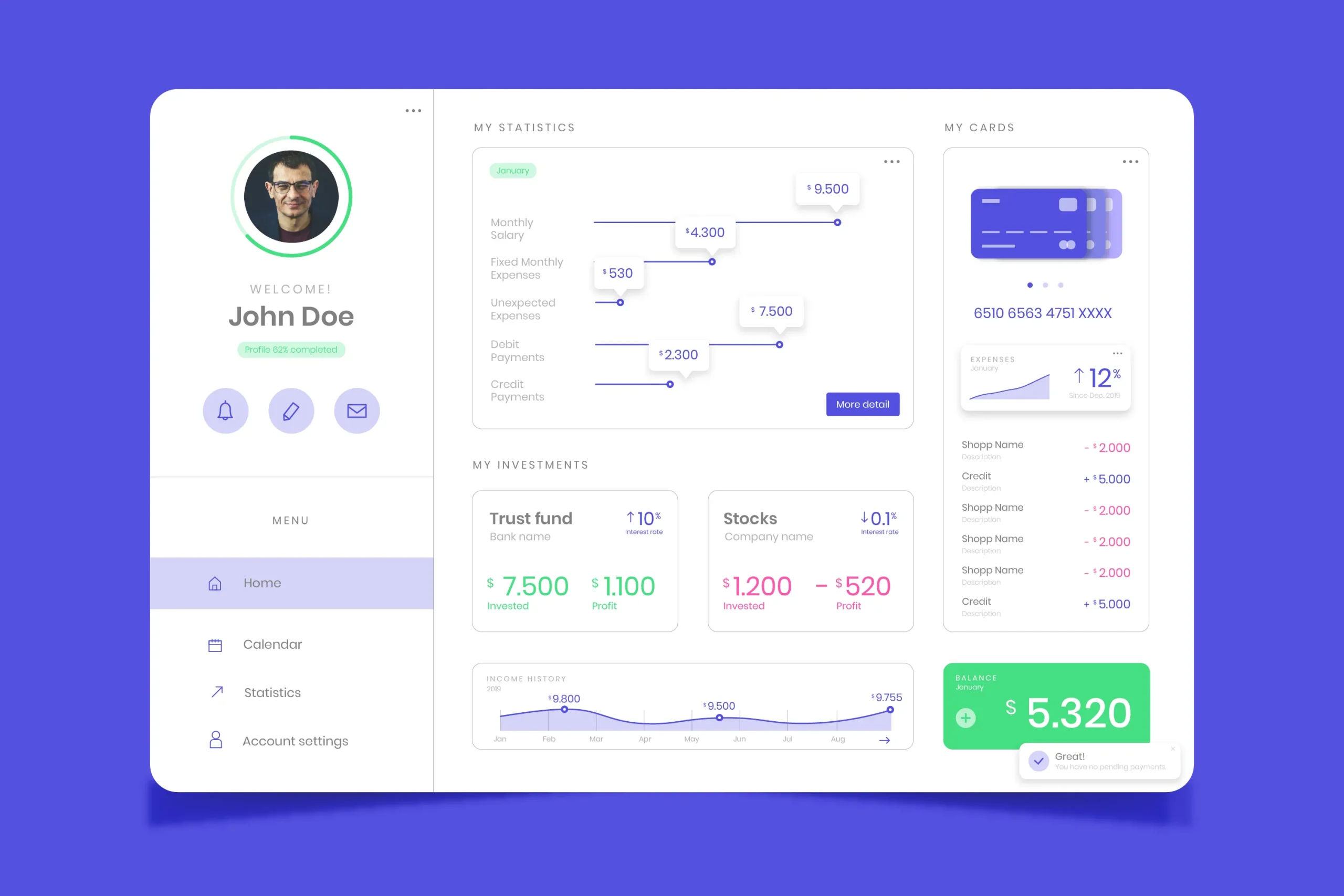
Our CRM Admin Dashboard Development process begins with understanding your business objectives, users, existing tools, and data requirements. We identify the key screens and workflows, plan the dashboard hierarchy, define the required database structure, and determine how information should move between modules. Based on the approved scope, development can include custom interfaces, backend services, database integration, APIs, automated notifications, and business reporting.
Advanced CRM Dashboard Features for Connected Business Operations
Automate suitable repetitive activities, including follow-up reminders, lead assignment, task notifications, and approval requests. Clearly defined rules help employees stay organized while keeping important decisions under appropriate human control.
Workflow Automation and Activity Alerts
Connect compatible email platforms, marketing tools, website enquiry forms, and communication services through supported integrations. Consolidated activity records help teams understand how enquiries arrive and maintain useful communication context.
Marketing and Communication Integrations
Build separate dashboard views for business owners, sales managers, and individual team members. Role-specific metrics can highlight pipeline value, conversion patterns, overdue tasks, and other indicators relevant to each user’s decisions.
Custom KPI and Executive Dashboards
Integrate the CRM with suitable websites, ERP platforms, accounting tools, customer support systems, or external applications. API-based connectivity helps reduce duplicate data entry when systems can exchange information reliably.
API Connectivity and Third-Party Integration
Support structured customer imports, field mapping, duplicate detection, and controlled data exports. Validation and import previews help identify incomplete or inconsistent records before they affect customer histories and business reports.
Data Import, Export, and Record Management
Organize the application into maintainable modules so new reports, workflows, integrations, and user roles can be introduced when needed. Appropriate monitoring, testing, backups, and technical maintenance help support dependable long-term operation.
Scalable Architecture and Ongoing Improvements
Frequently Asked Questions?
A custom dashboard is useful when standard CRM interfaces do not fully support your business workflows, data structures, permissions, or reporting needs. It allows the interface and functionality to be planned around how your employees actually manage customers and sales activities.
Features can include lead management, customer profiles, opportunity tracking, follow-up reminders, task assignment, sales analytics, user permissions, data exports, and workflow automation. Additional modules can be developed according to your requirements and available integrations.
Yes. A CRM dashboard can connect with an existing website to receive enquiry forms, register leads, and synchronize supported information. The integration approach depends on the website platform, available APIs, database architecture, and required data flow.
Let's Connect
Ready to Start Your Project?
Let’s discuss how we can help bring your vision to life with our expertise.